

China Mobile Guangdong Zhanjiang Branch Technology Office
Enterprise edition adoption for telecom business documents, internal attachments and project material preview workflows.
Enterprise purchase / technology office scenario
 Flyfish DevOpen Studio
Flyfish Dev
Office, WPS, CAD, EDA, 3D model and document intelligence products for stable, private and verifiable enterprise file experiences.
Parsing engines, Worker/WASM runtimes, framework components and delivery tools are organized behind clear product boundaries. Customers choose complete products that can be integrated and accepted, not a list of scattered repositories.
Representative customers across telecom, education and industrial internet scenarios help validate Flyfish for complex files, engineering data, intranet systems and delivery projects.
Enterprise edition adoption for telecom business documents, internal attachments and project material preview workflows.

Stable multi-format preview support for university document circulation, online reading and system integration scenarios.

Deliverable Office preview capabilities for government-enterprise digitization, system integration and intranet document workflows.
File Viewer adapters and engines stay within one primary product line. Office, WPS, CAD, EDA, 3D and Document AI are presented by customer scenario.
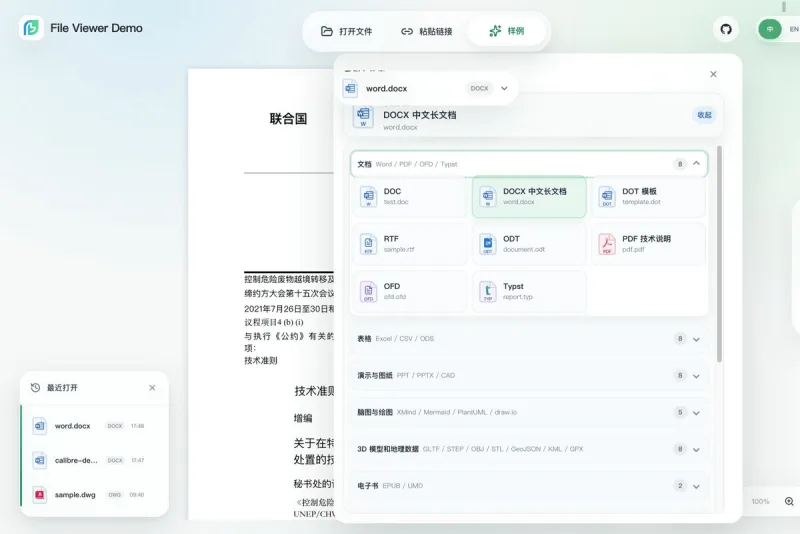
One customer-facing File Viewer line for core, Web, Vue, React, Svelte, jQuery, Web Components and full packages, sharing one API and capability model.
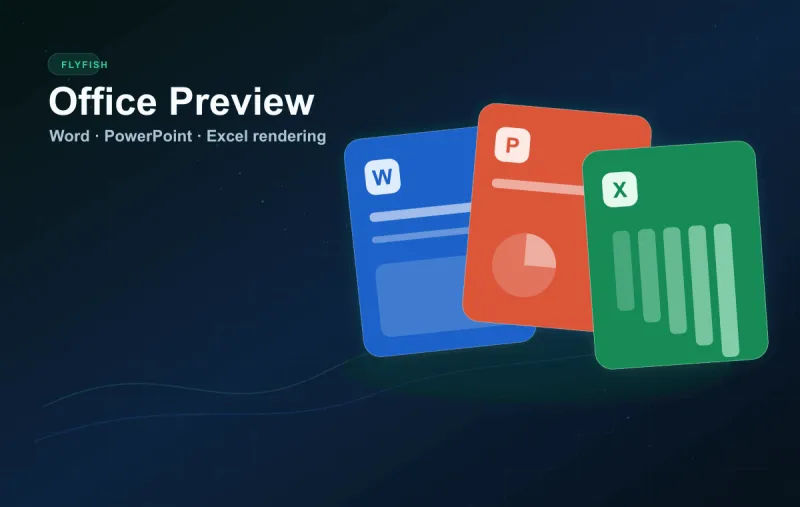
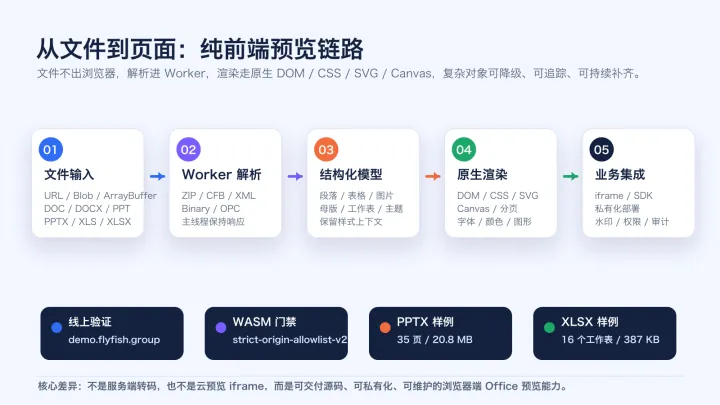
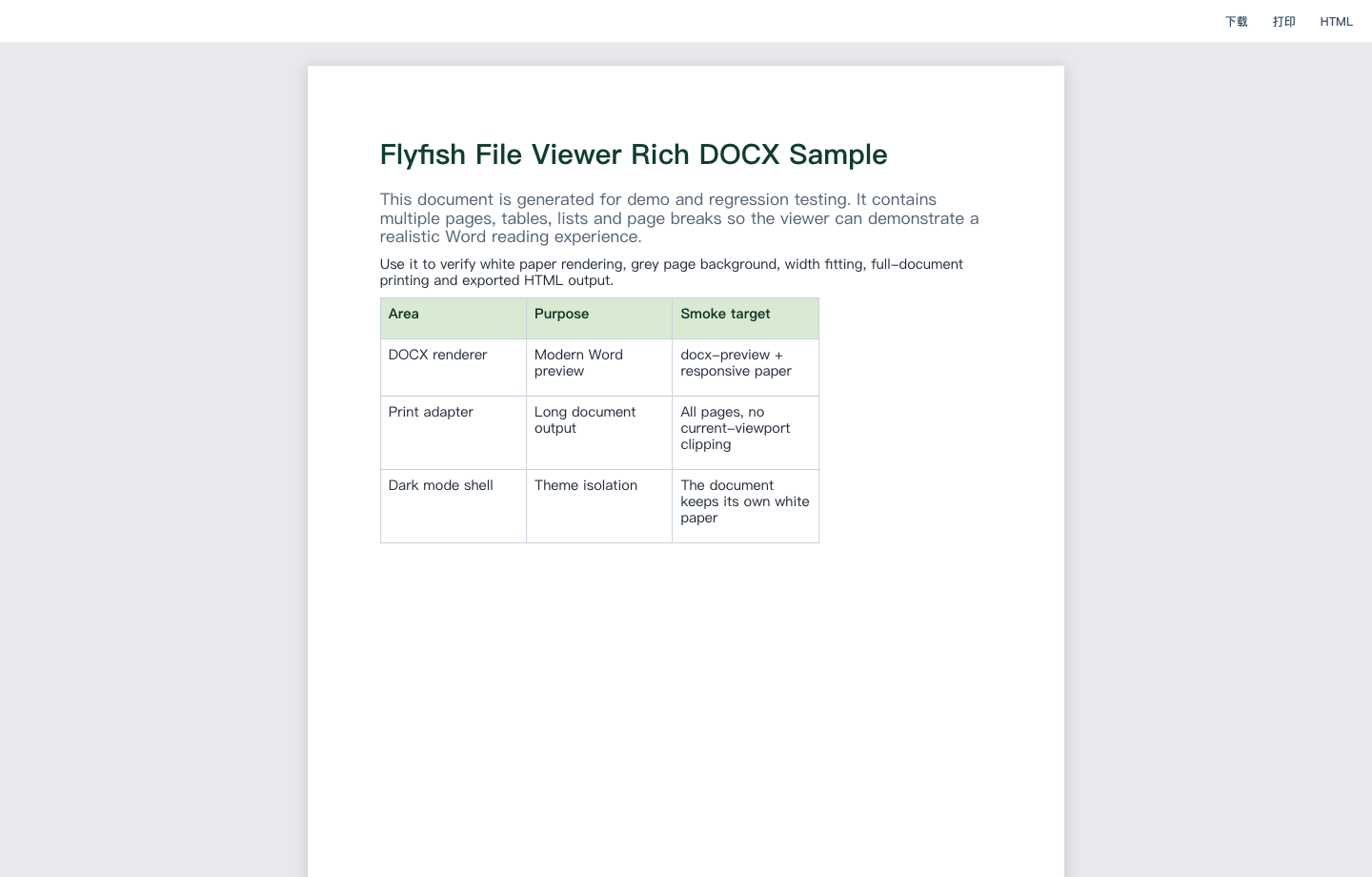
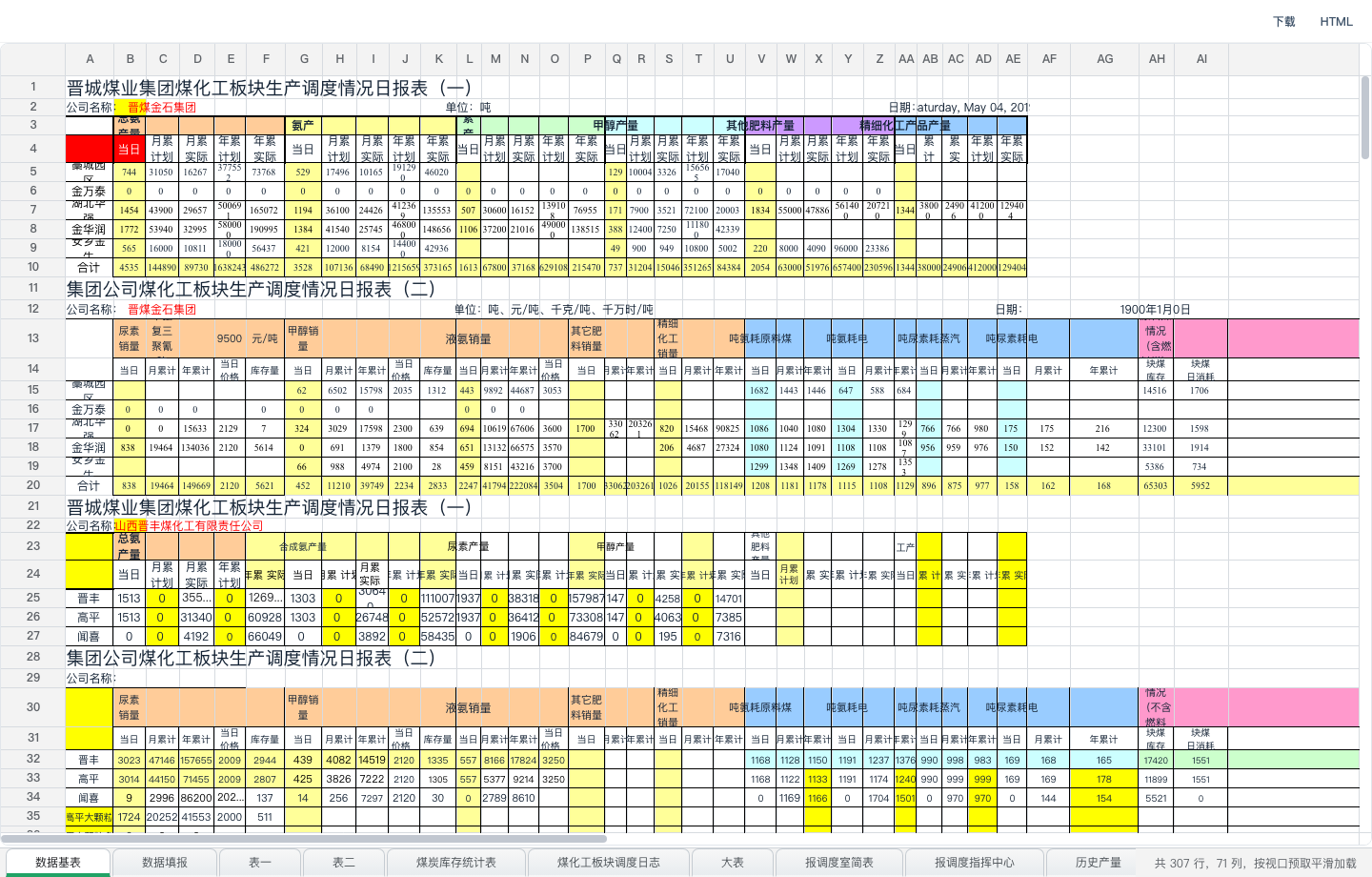
One delivery-ready product for DOC, DOCX, PPT, PPTX, XLS, XLSX and XLSB parsing, Worker/WASM runtimes, demos, enterprise licensing and desktop integration.
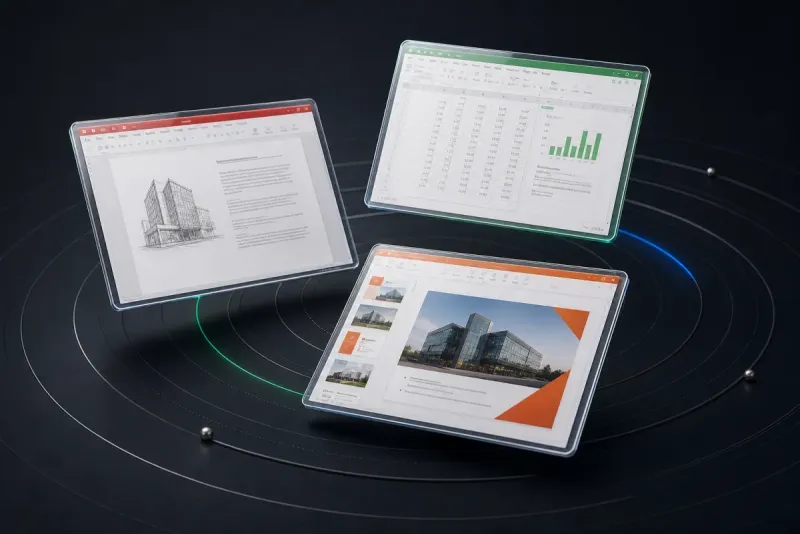
Browser-local preview across WPS Writer, Spreadsheet and Presentation paths, with container-aware routing, paginated reading and spreadsheet print views.
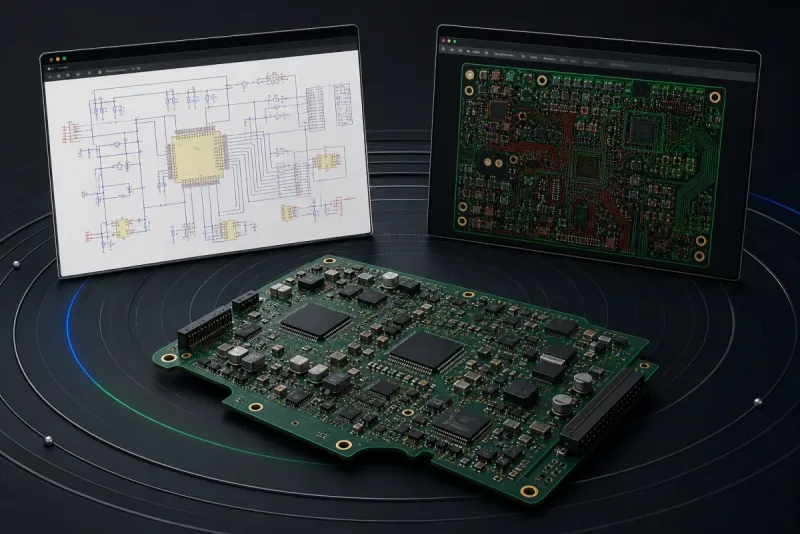
Reads SchDoc and PcbDoc locally in the browser, presenting schematics, PCB sides, layers and 3D assemblies without a server-side conversion service.
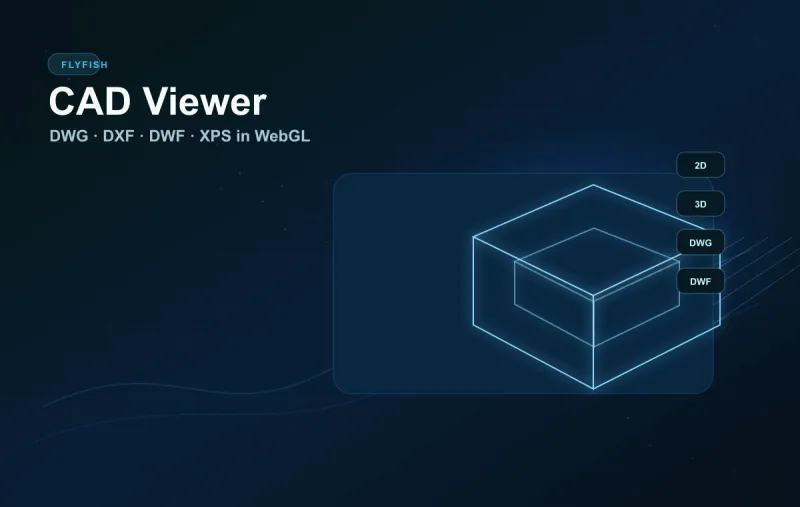
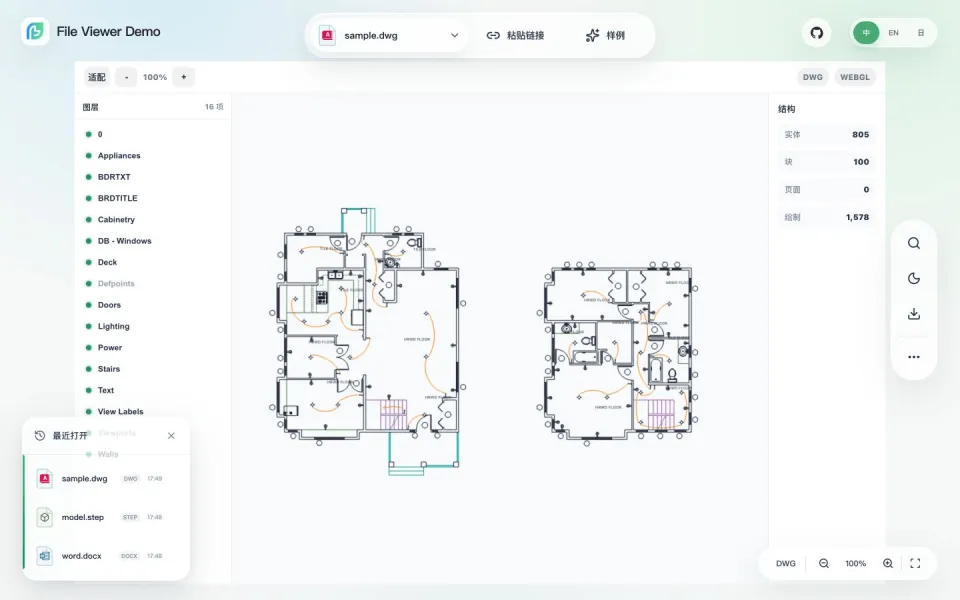
Combines cad-viewer and dwf-viewer for DWG, DXF, DWF, DWFx and XPS parsing, WebGL rendering and WASM/Worker runtime assets.

A local-first browser-native CAD/DCC platform for STEP, FBX, OBJ, JT, MB, C4D and MAX, extended by 23 lazily imported Three.js format adapters.
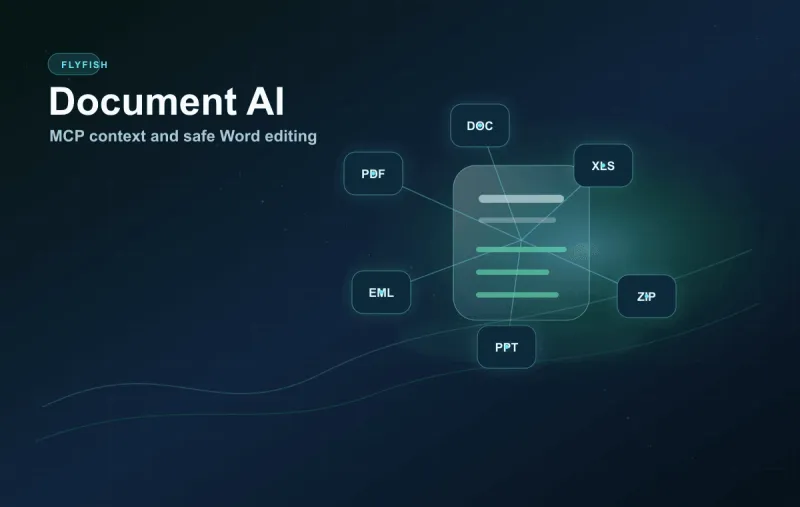
File AI turns local files into citable document context, while Word AI applies safe, structure-preserving DOCX edits through MCP, Open XML and Office.js.
Designed for real business systems, balancing preview quality, integration speed, deployment control and commercial licensing.
Parse and render files in the browser to reduce conversion services, queues and temporary-file handling.
Adaptable to intranets, offline environments, private clouds and dedicated cloud deployments.
Vue, React, Svelte, jQuery, Web Components, plain Web, iframe embedding and static-site deployment are supported.
Online demos, document comparisons, sample matrices and real screenshots make project validation easier.
PDF, Office, WPS, CAD, EDA, 3D and media runtimes load only when the matched file type needs them.
Real business files drive compatibility improvements across Word, PowerPoint, Excel, PDF, OFD, CAD, archives and email.
Flyfish File Viewer now runs as a unified ecosystem: core owns the format matrix and lifecycle, while each framework package stays native and keeps options, events, search, zoom, print, export and watermark behavior consistent.
A lightweight browser-native Office preview solution for OA, document archives, contracts, bids, reports and presentation materials.
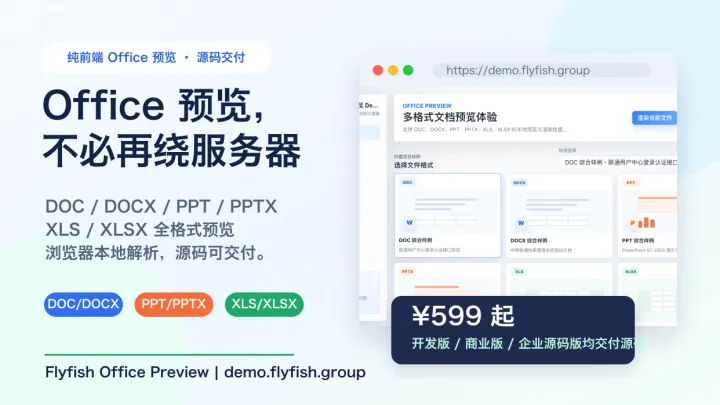
Teams do not all need the same purchase path. Flyfish separates public artifacts, npm integration, source-code research, commercial licensing and enterprise delivery.
Evaluate capabilities quickly through live demos, documentation, GitHub repositories and npm packages.
Vue, React, plain Web, iframe and static-site deployment can be combined based on the current project stack.
Office Preview offers commercial and enterprise source editions with authorization documents, contract templates, deployment guidance and version updates.
We help connect preview capabilities to production systems around domains, CORS, CSP, file authentication, iframe embedding and real sample files.
Customers can test demos, developers can read docs, procurement can review licenses, and project owners can evaluate delivery boundaries.
Ecosystem components, format matrix, lazy loading, asset self-hosting and private deployment guidance.
Upload or select sample files and validate preview, toolbar behavior and offline asset loading directly.
Focused validation for Word, PowerPoint and Excel legacy and modern formats.
Public repositories, product sites, demo builds and enhanced parsing libraries.
These answers stay aligned with product pages, technical documentation and delivery terms for reliable evaluation and citation.
Flyfish provides browser-native file preview, Office and WPS reading, CAD and EDA engineering views, 3D model inspection and document intelligence for OA, archives, knowledge bases, PLM, SaaS and intranet systems.
Core products prioritize browser-local parsing and rendering and can run on customer-owned static sites, intranets, private clouds or offline environments. The selected product and integration path determine whether files leave the business boundary.
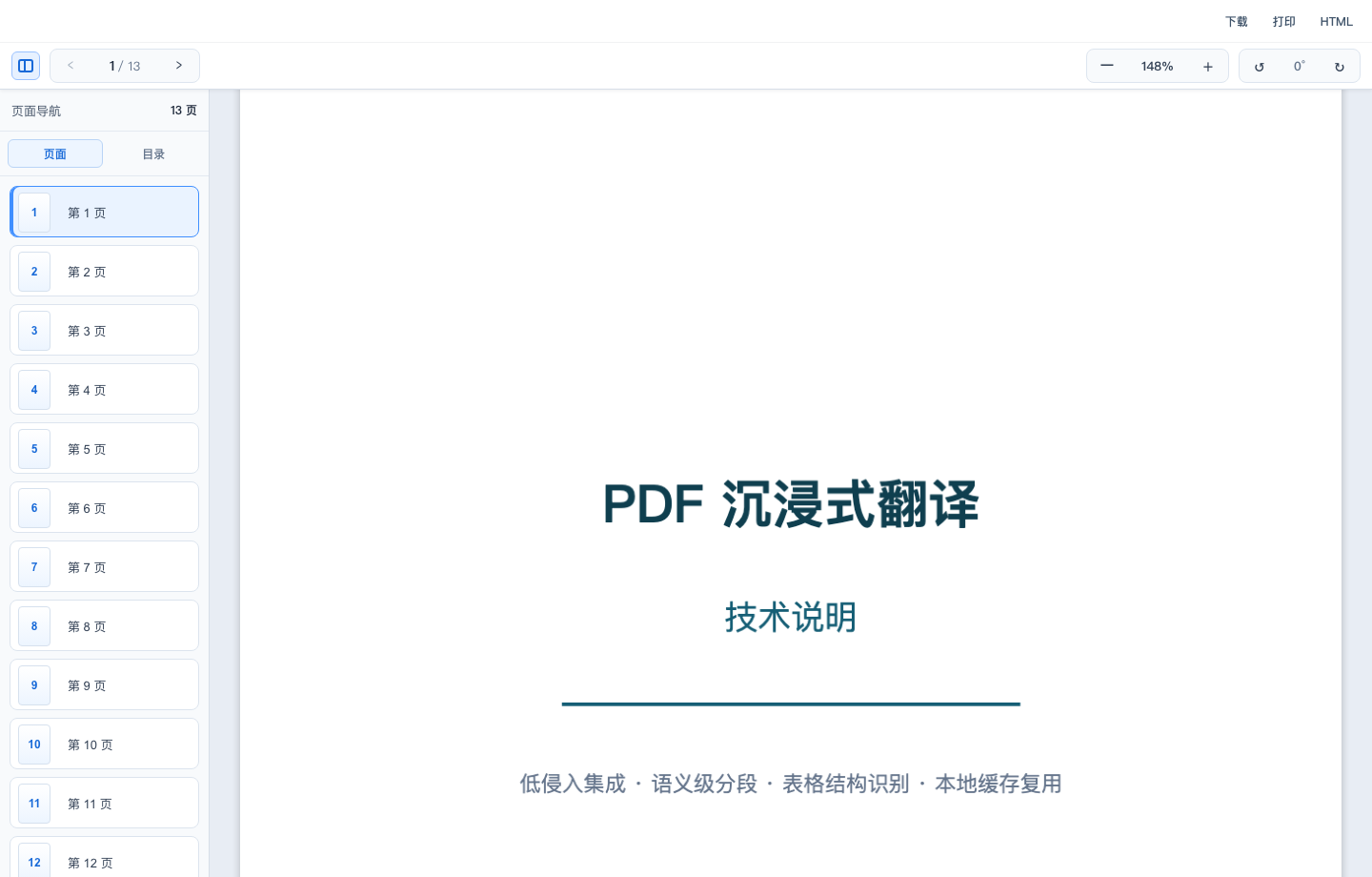
Office Preview covers DOC, DOCX, PPT, PPTX, XLS, XLSX and XLSB. File Viewer also covers PDF, OFD, CAD, archives, email, media and code. Model Viewer targets STEP, JT, FBX, OBJ, glTF, C4D, MAX and other 3D formats.
File Viewer supports plain Web, Vue, React, Svelte, jQuery, Web Components and iframe integrations, with heavy parsers, Workers, WASM and model adapters loaded only when required.
Public artifacts fit technical evaluation and basic integration. Commercial editions cover licensed production use. Enterprise source editions fit teams that need full source, internal maintenance, deep customization and long-term delivery assurance.
Validate representative files in the live demos, then send target formats, frontend stack, deployment environment and sanitized samples to admin@flyfish.dev for a product and delivery recommendation.
Share your deployment environment, target formats, representative sample files and technology stack. We will help determine whether public builds, npm packages, deployment services, the commercial edition or the enterprise source edition fits best.